

Play & create drills
Play drills to rapidly fine-tune your game right on your table, with real-time scoring and projection. Choose to play drills by yourself, with friends, or with others over the internet.
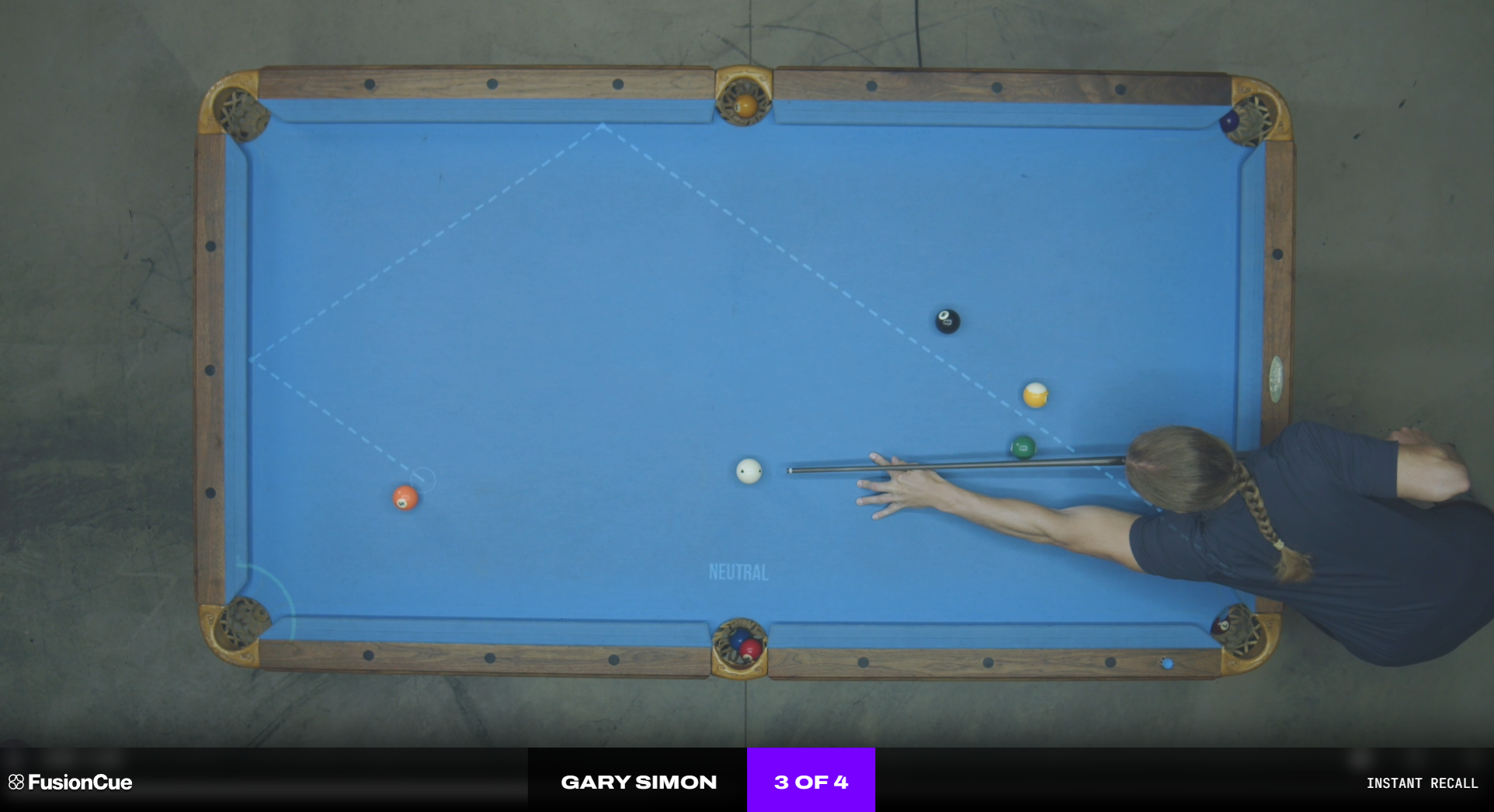
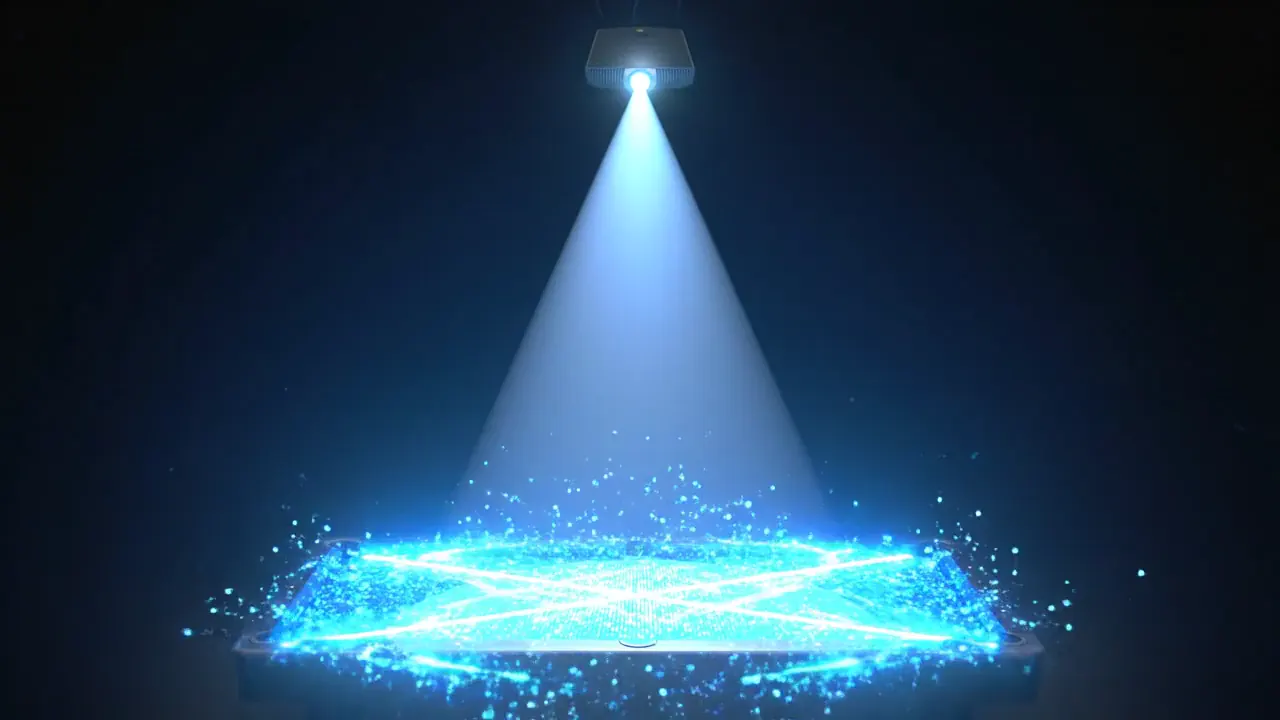
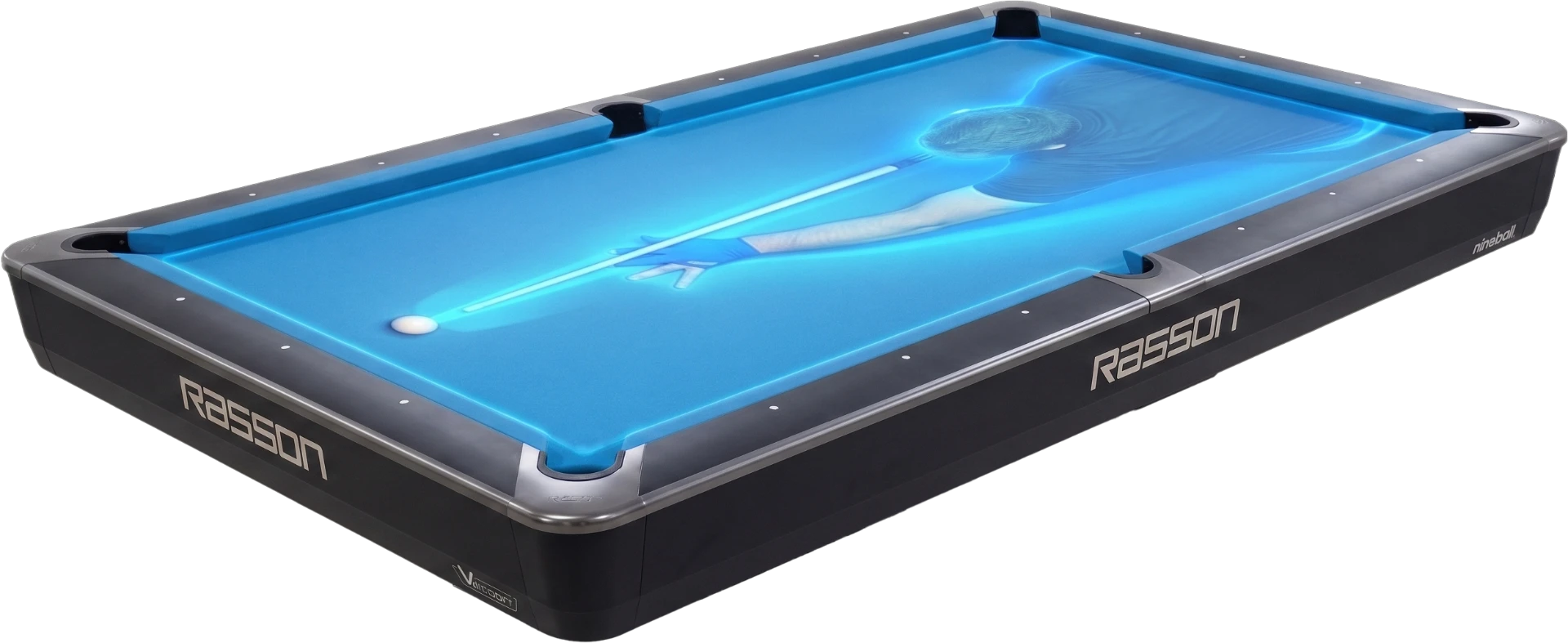
A camera tracks every shot. A projector draws the drills right on your felt. Real-time scoring, zero gear on the table — and it runs entirely on your machine.
3D Drill Editor
Create your own drills with ease.
Internet Multiplayer
Play drills & games against other players across the world.
Local Multiplayer
Compete against up to 6 players in your pool room.
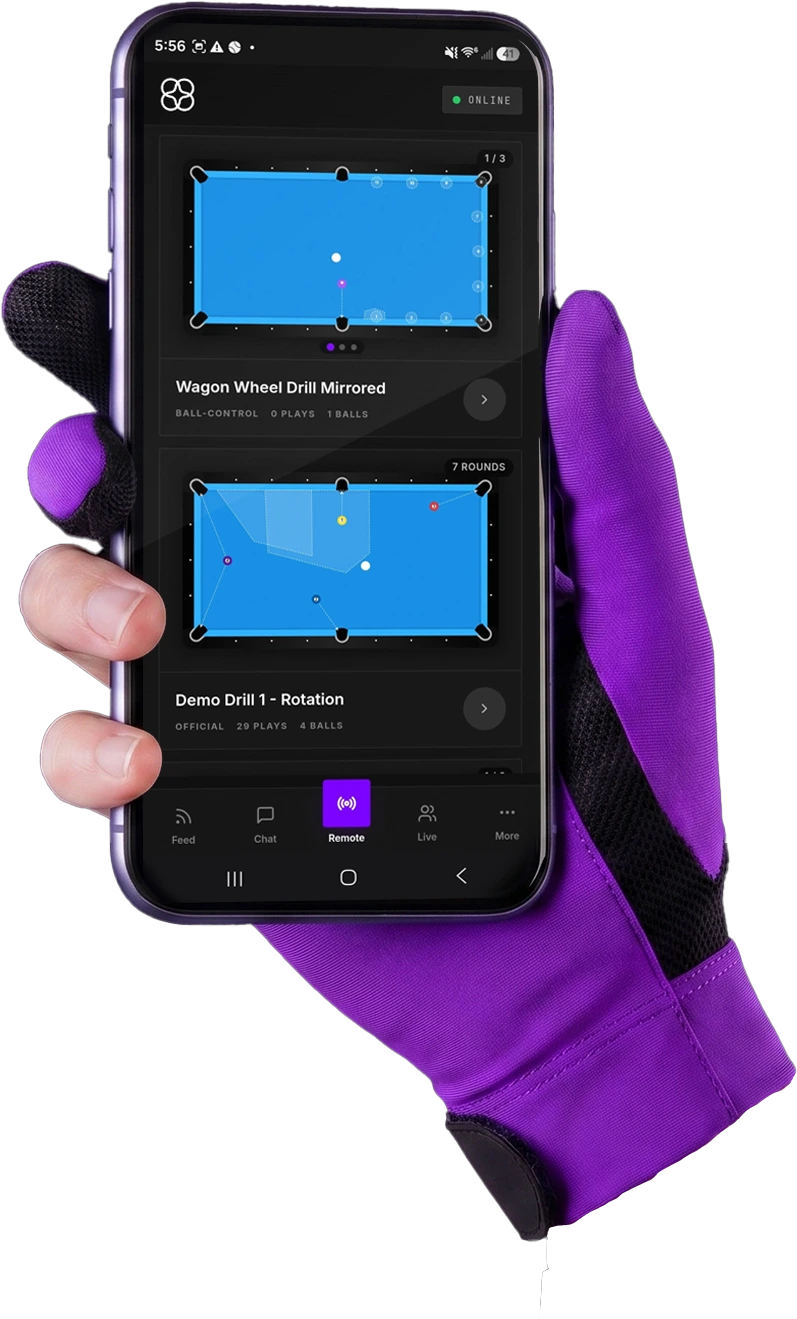
Phone & Tablet Remote
Control FusionCue entirely from your phone or tablet.
Voice Control
Use your voice to control FusionCue.
Live Broadcasting
Stream your table to YouTube, Facebook, Twitch & more.
Automatic Stats Collection
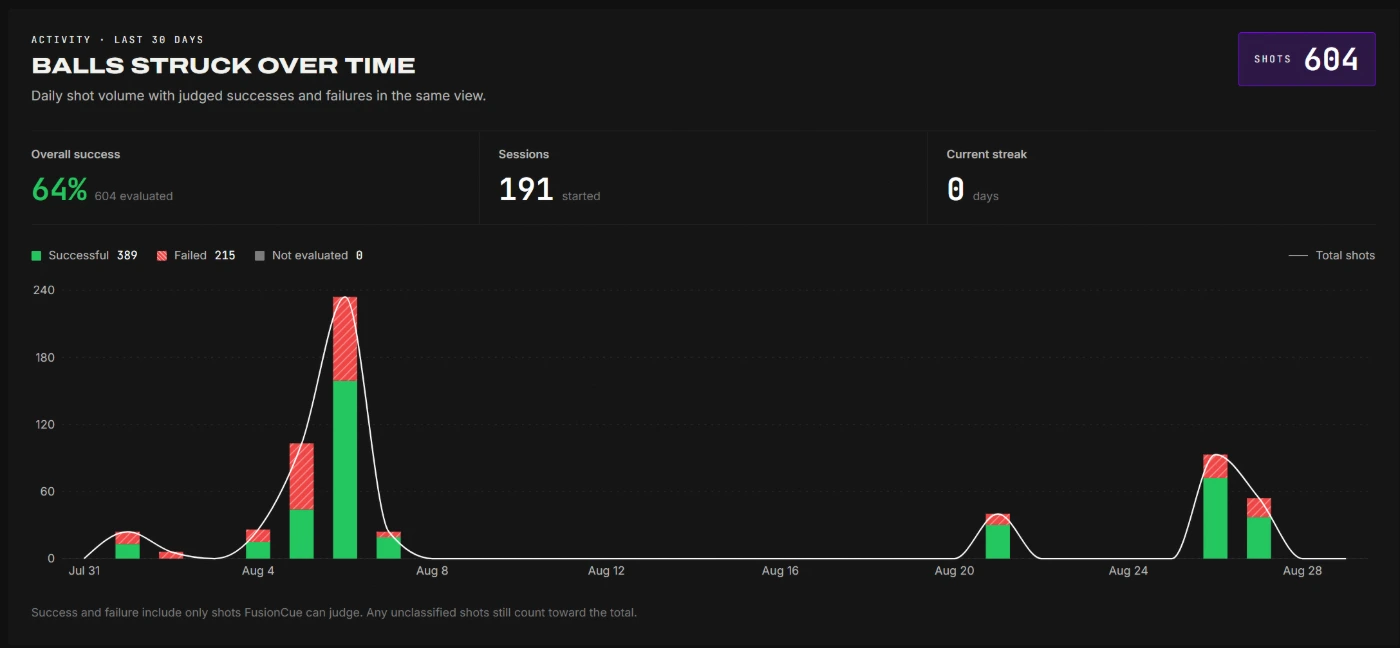
Every shot is logged, providing for performance insights.
Entertainment
Cast any video to your table.
Video Recording
Record videos to your PC and your phone.
Instant Recall
A brand new way to train for pool.
Poolseye
The FusionCue Target Pool offshoot.
Online / Offline Access
Use a perpetual offline license or add connected features.
Play drills to rapidly fine-tune your game right on your table, with real-time scoring and projection. Choose to play drills by yourself, with friends, or with others over the internet.
Play games like Poolseye to help you develop the ultimate cue-ball control. Instant Recall allows you to train in ways never before possible, with shot-by-shot memory and replay.
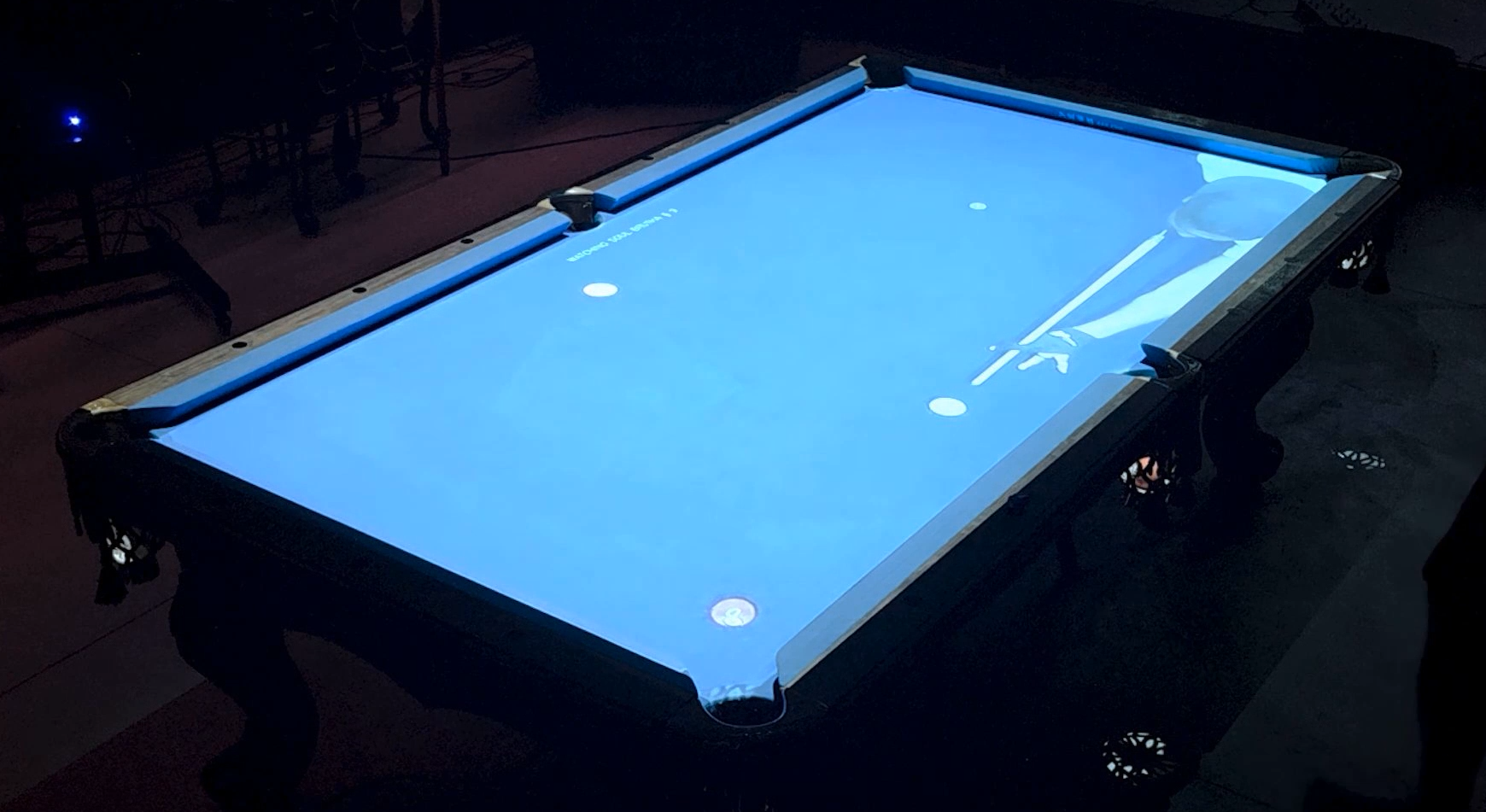
With FusionCue, you can play drills or games with up to six people at a time while their table feed is projected directly onto your table. Perfect for competition and training alike.
Other systems cost thousands of dollars.FusionCue is a fraction of the price.
FusionCue runs on Windows 10/11 PCs with a dedicated GPU, Intel Arc or Radeon 680M / 780M-class graphics. Use our approved list to choose projectors, cameras, and computers for any budget.
Approved used or refurbished systems can cost $200–$300. Already own some equipment? Your setup can cost even less.
Buy the software once, then add internet multiplayer and connected features with an optional subscription. See all pricing.
Create the drill, play on your table.
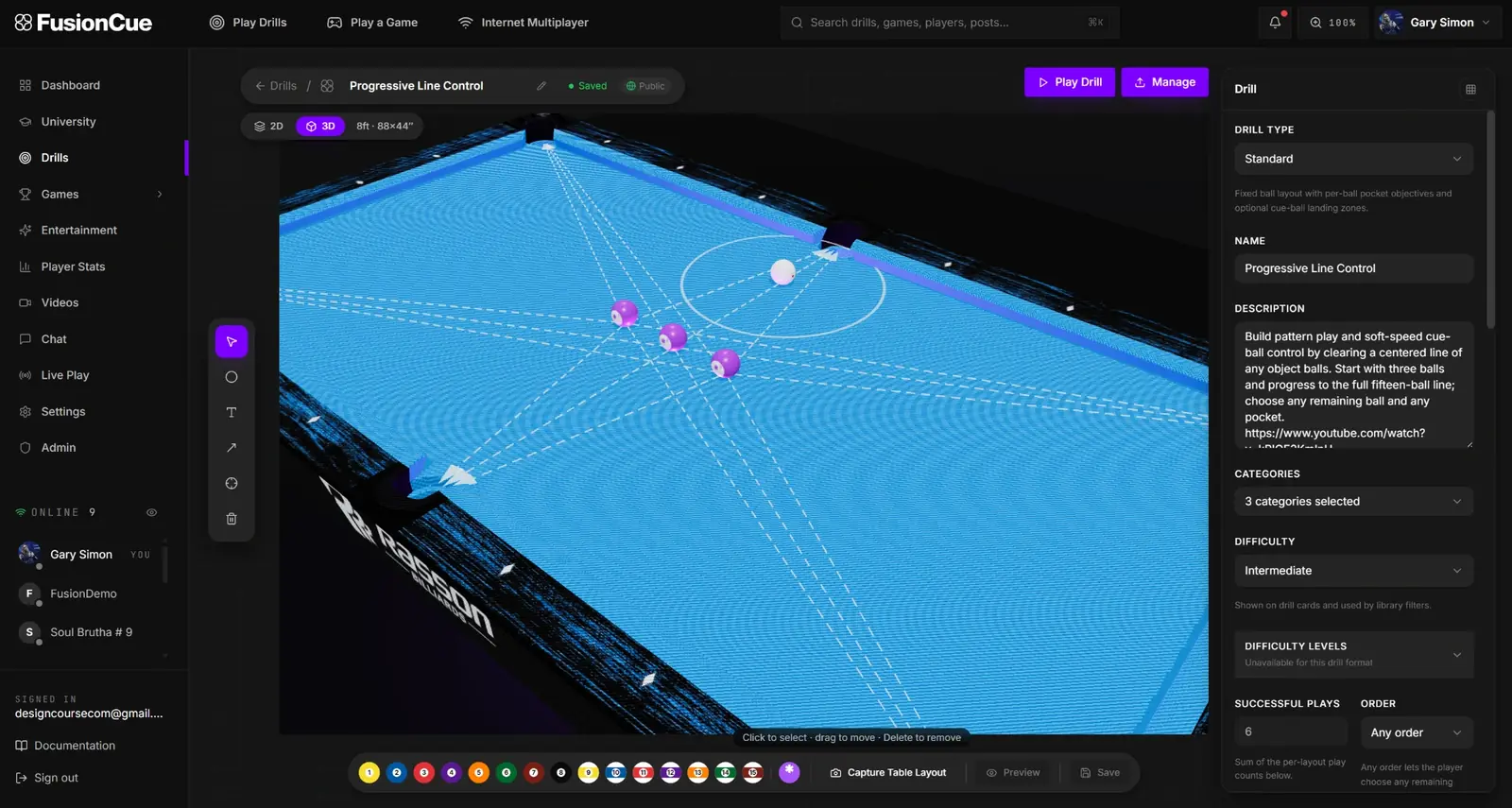
Create dynamic drills, then play them directly on your table with projection, real-time ball tracking, and automatic scoring.
Watch as we create a YoYo drill in 60 seconds, and then play it on the table.
FusionCue lets you play real opponents in real time while casting them directly to your TV or monitor — and onto your pool table.
“Best of all... it's an absolute blast to play! Can't wait to see what comes next!”
“FusionCue is already the best pool projection + camera system on the market…”
Honestly, I didn't expect it to change how I practice this much“It just sits there watching every shot, scoring it, and showing me exactly why I missed, which is feedback you simply can't get practicing alone. Once you factor in how affordable it is and that you can run drills against other players… ”
FusionCue has completely changed the way I approach practice“I've been using FusionCue on my pool table, and I have to say, I'm really impressed with what it adds to practice. I've always enjoyed working on my game, but FusionCue has completely changed the way I approach practice. The first time I… ”
Everyone wanted to know when the next FusionCue night was“I had a few of my pool team round last night to introduce them to FusionCue. They were all amazed at how good the software is and how easy it is to set up all of the drills and games. One player commented at the end of the evening on what… ”
 MelvinFleetwood, UK
FusionCue does what none of its competitors canIan DustrialEugene, Or.
“FusionCue does things none of its competitors are capable of because it can actually see your table and project onto it. That makes scoring automatic when everyone in the room plays on one table, so nobody gets left out waiting for the… ”
Ian DustrialEugene, Or.Up to six people can play against each other across any drill or Poolseye.




Pair your phone or tablet in a few seconds and use it as a complete FusionCue controller.



Every time you play a drill or game, FusionCue automatically records your session progress.
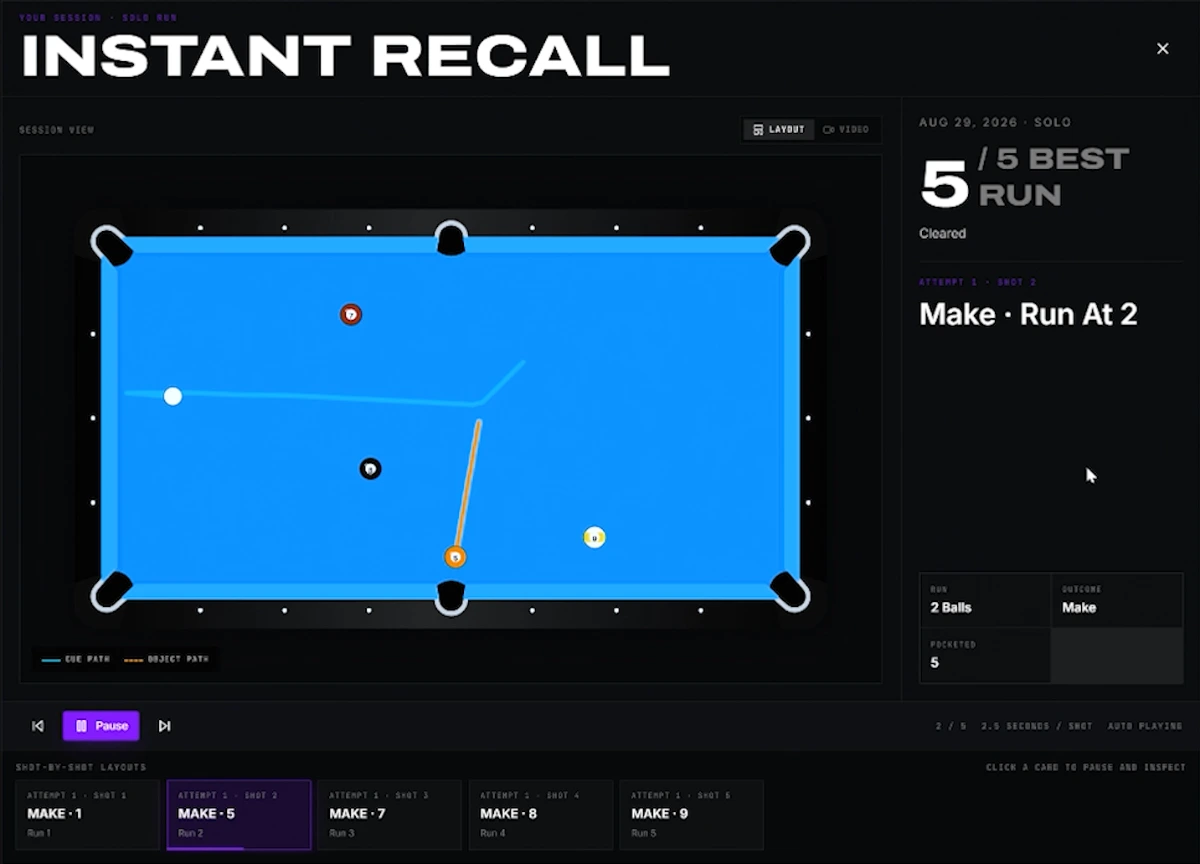
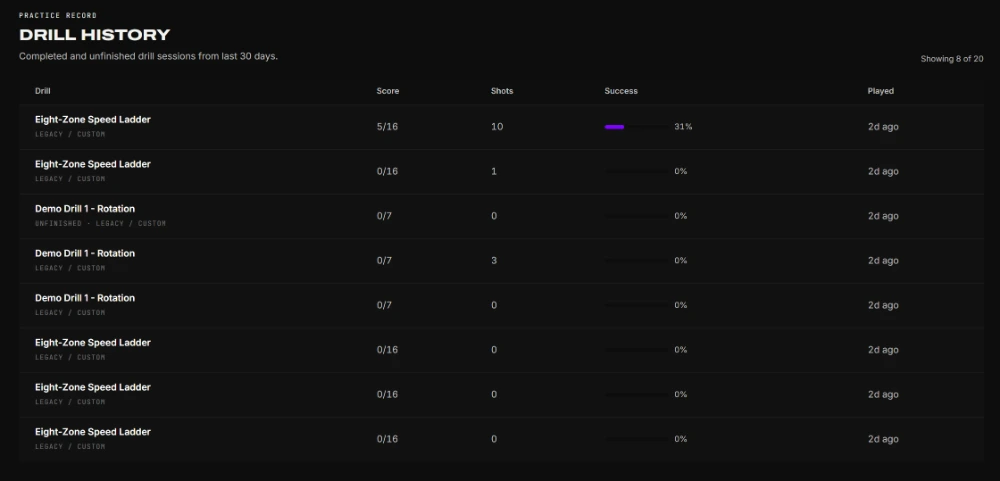
Every session provides play-by-play shot-path analysis, with the ability to scrub to exact moments in the recorded video.
Capture any table layout once. FusionCue remembers every leave as you run out, so the exact position that beat you is always one click away from another attempt.
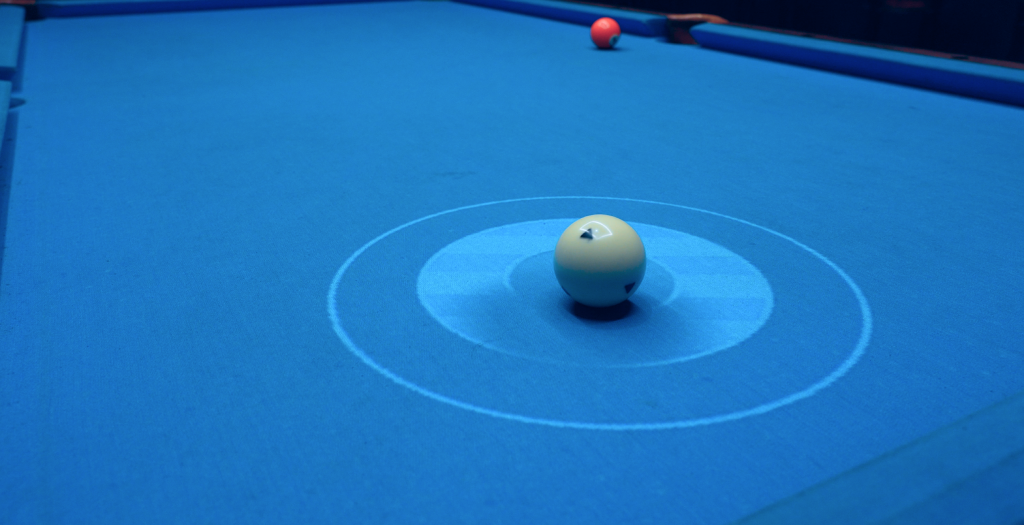
Call the ball and pocket, make the shot, then land the cue ball inside a three-ring target projected at real table scale. FusionCue scores the leave automatically.
The projector is not just for drills. Turn the entire playing surface into a screen for ambient motion, YouTube, or your own videos — then jump straight back into practice. Official loops and local files run from your PC; YouTube is a membership feature.
No proprietary appliance and no locked bundle. Choose each piece, replace it independently, and use the 3D configurator to verify the room before spending anything.
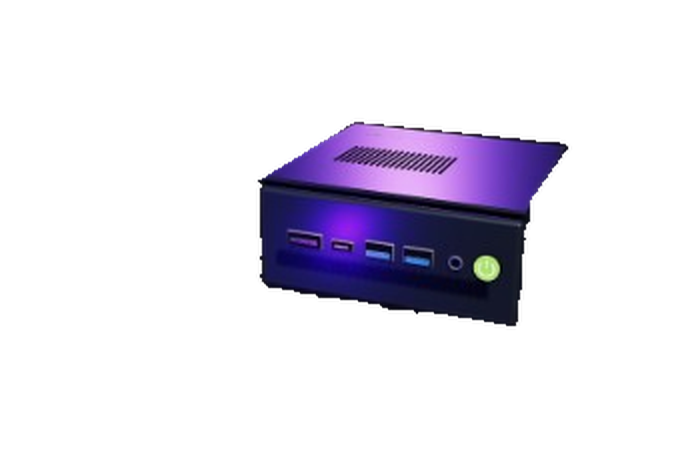
Use a Windows PC you own if it meets these specs, or a compact mini PC mounted near the table. Intel UHD and Iris Xe graphics are too slow for ball tracking.
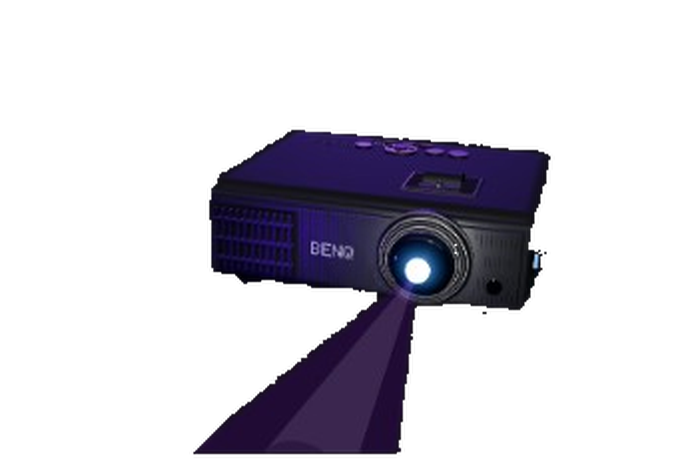
Standard, short-throw, ceiling, wall, or side mounted — calibration maps the image onto the cloth.
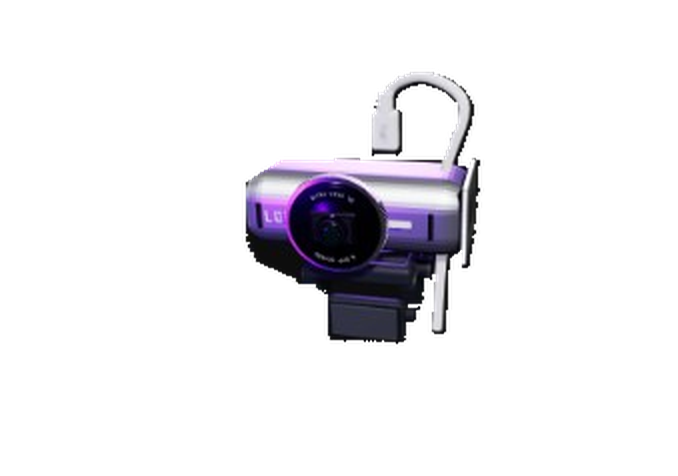
Use a USB webcam or HDMI capture camera with a stable, complete view of the playing surface.
Pay once for FusionCue software, or start with software and internet features while monthly payments build toward ownership.
One payment · no monthly bill
Purchase a single lifetime license of FusionCue without internet features. If you wish to add internet features to your owned copy of FusionCue, you're granted a reduced $14 per month payment. Internet features are available in the next card over.
You own the software in month 6
Get every FusionCue feature now, including internet features. Each $19 payment counts toward the $99 software price. After 6 months, you own the software and can continue with internet features for $14 per month.
Final software payment adjusts to the exact balance.
You now own the software. You can continue with internet features or cancel.
No disappearing payments and no ownership calculator to decode.
Use a stable overhead USB or HDMI camera that keeps the complete cloth, rails, and all six pockets in frame with a little margin. FusionCue targets 1080p at 60 fps for the smoothest shot timing, while 30 fps remains supported. Disable auto-framing or subject tracking so the view never moves. Enter your table size and table-top-to-ceiling clearance in Get Started to see cameras that fit, then verify the geometry in the 3D Hardware Configurator.
Projector fit depends on table size, table-top-to-ceiling clearance, throw ratio, lens offset, and brightness—not simply the advertised screen size. Enter your measurements in Get Started to filter out models that cannot cover your cloth. The 3D Hardware Configurator then shows the expected mounting position and coverage before you buy or drill. Native 1280×800 is the minimum; 1080p is recommended for sharper guides and text.
No gaming PC is needed, but the graphics have to meet a floor. FusionCue's ball detection runs through ONNX/DirectML, so a modern mini PC with Radeon 680M or 780M graphics can run the complete table experience, and so can Intel Arc or a dedicated GPU of about GTX 1650, RTX 3050 or RX 6400 class and up. Intel UHD, Iris Xe and older Ryzen Vega graphics are below the floor: ball tracking runs at about 4 fps there, with lag, missed balls and false scratches. The rest of the floor is 64-bit Windows 10/11, a six-core Core i5/Ryzen 5-class CPU, 16 GB RAM, an SSD with about 10 GB free, and two display outputs. With built-in graphics (680M / 780M) get 32 GB in two sticks: the graphics use system memory, and our 32 GB 780M rigs track noticeably faster than 16 GB ones. See the graphics floor, the full installation requirements, or use Get Started for suggested systems.
FusionCue supports 6 ft, 7 ft, 8 ft, pro 8 ft, 9 ft, and 10 ft pool or snooker tables. During calibration, FusionCue maps the actual playing surface rather than assuming every table has identical rail dimensions, so targets, zones, arrows, and ball positions scale correctly. Select your size in Get Started to get room-specific camera and projector recommendations.
Internet is required for sign-in, initial activation, software/runtime updates, and connected features such as community publishing and internet multiplayer. Table detection, ball tracking, scoring, projection, local drills and games, recordings, and local statistics run on the table PC. A perpetual offline license keeps those local features available without an ongoing connection after activation; see Billing and Offline Licensing for the exact entitlement rules.
Start by downloading FusionCue, signing in, and calibrating the camera and projector over your own table. The trial gives you 14 days to prove the real tracking, projection, and scoring on your cloth with the included trial drills; the full drill library, games, recording, and multiplayer unlock when you buy. There is no credit card requirement and no automatic charge at the end. Use Get Started first if you still need compatible hardware.