Billing and Offline Licensing
Understand the perpetual offline license, connected service, rent-to-own credit, cancellations, and payment reversals.
FusionCue keeps offline licensing separate from connected service. Current prices and early-access terms come from the billing system and are shown on the live pricing page.
Early access — FusionCue has not reached version 1.0. You are buying the software as it is today, at the early-access price, while it is still being built. Expect bumps along the way, and tell us what you want to see in the in-app chat or on Discord. The purchase page shows this notice before Stripe Checkout opens.
Perpetual offline license
The perpetual offline license covers the local product: drills, games, computer-vision scoring, projection, local multiplayer, recording, statistics, and lighting. It does not expire just because connected service is canceled.
The $99 early-access price appears automatically in Stripe Checkout. No coupon code is required.
The software itself is licensed, not sold. “Perpetual” describes the duration of the offline license; FusionCue retains the software and intellectual property rights described in the EULA.
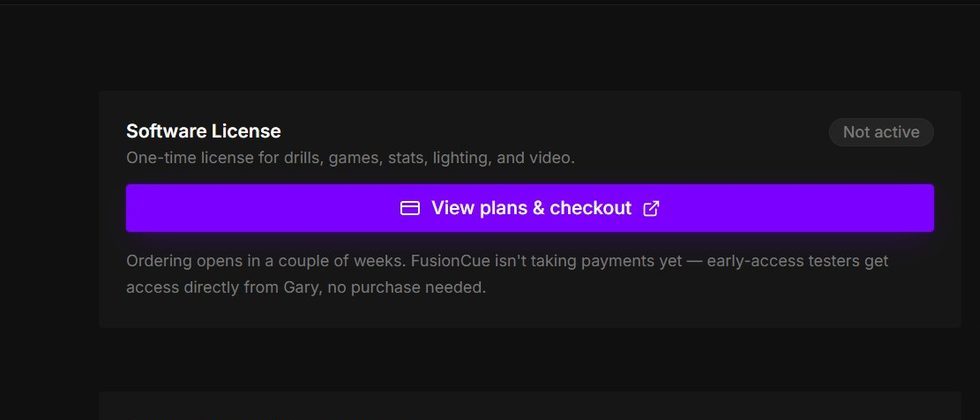 The software-license card remains separate from the optional connected subscription.
Owner-connected service
Someone with a perpetual offline license can add internet multiplayer, community, publishing, and other connected services at the owner rate. Canceling connected service stops future renewals without affecting the offline license.
On the purchase page, turn on Add internet features under Pay once to buy FusionCue for $99 and start the $14 monthly internet service in one Stripe Checkout. The first checkout includes both charges; later renewals are $14 per month.
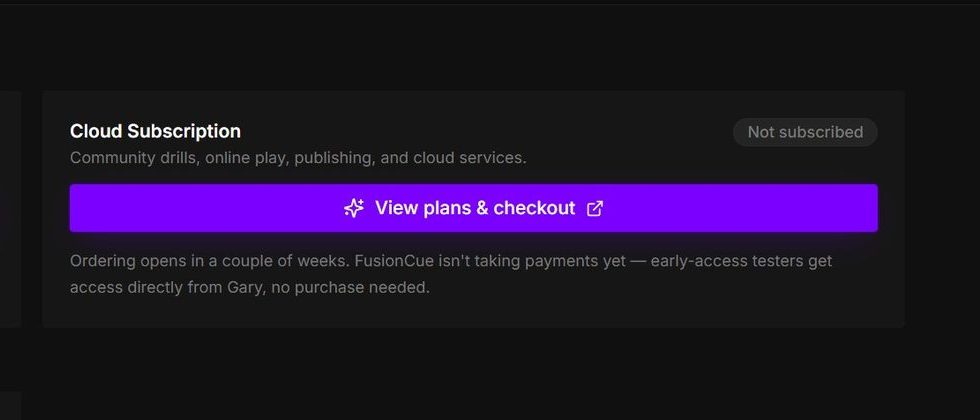 Connected-service status and checkout stay on their own card so canceling it cannot alter offline ownership.
Full-access rent-to-own
Full-access monthly starts with both local and connected features. Each eligible payment builds credit toward the perpetual offline license threshold accepted at checkout.
During early access, that threshold is the same $99 offered for a direct perpetual license. After early access the perpetual license is planned at $399; that price applies only to new contracts — existing early-access contracts keep their $99 target.
Eligible credit is:
- cash actually collected after a coupon or promotion;
- calculated in whole cents;
- exclusive of tax; and
- reduced by refunds, credit notes, and disputes.
At the $19 early-access rate, five monthly payments build $95 in license credit. FusionCue reduces the sixth ownership payment to the exact $4 balance rather than overcharging, then moves the next connected renewal to the lower owner rate.
Canceling, pausing, and returning
Canceling stops future billing at the end of the paid period. It does not erase earned rent-to-own credit. Returning later continues from the recorded balance under the contract version you previously accepted.
Settings → Billing shows credited cash, the ownership threshold, and the remaining balance. When purchases are open, you can also pay that remaining balance directly.
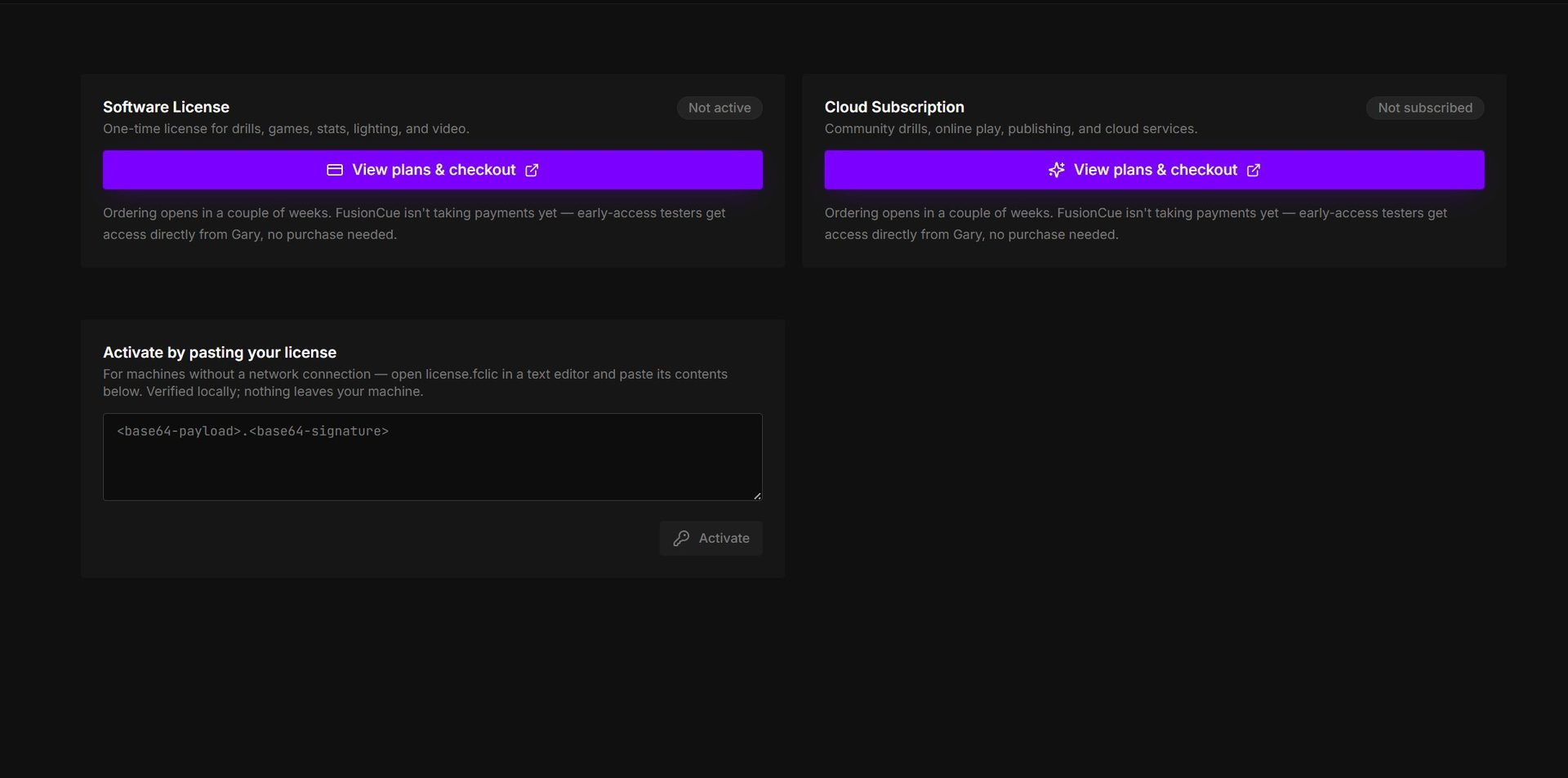 Canceling connected service changes its card while the software-license card remains independent.
Refunds and disputes
A reversal removes only the eligible credit from the affected payment. Other settled payments remain.
If a payment is reversed after the perpetual offline license was granted, already-activated offline installations remain usable. Connected access, license re-downloads, and hardware rebinds pause until the deficit is resolved. See the Refund Policy for the full terms.
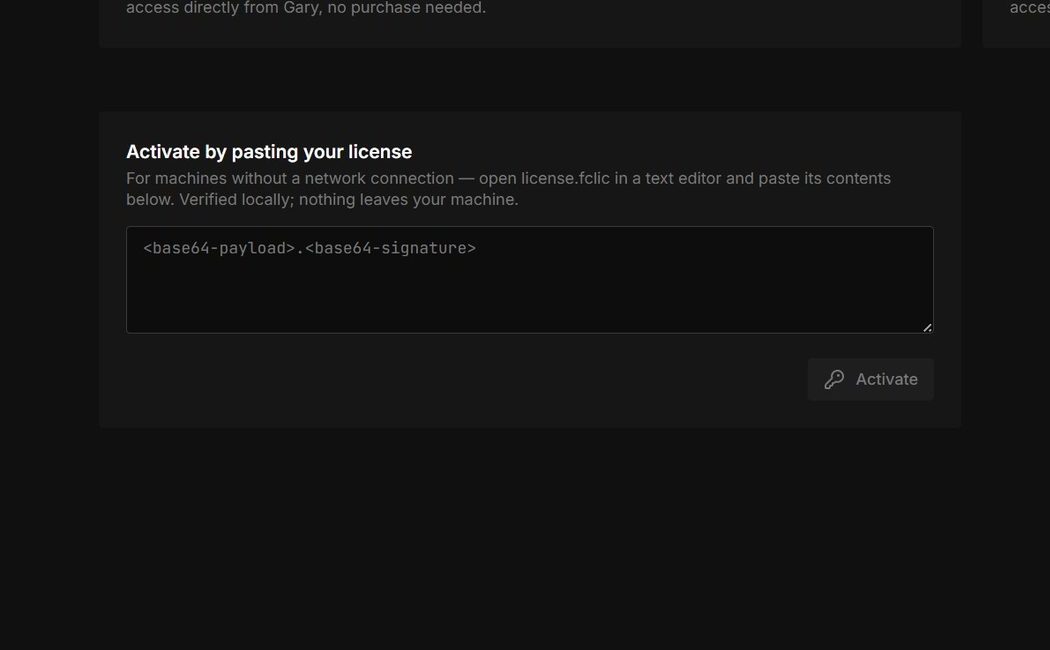 Existing offline activation is local; account-side reversals affect future connected access and re-downloads.
Manage billing
Open Settings → Billing to:
- view the current license and subscription state;
- inspect rent-to-own progress;
- download a license file;
- pay the remaining balance when available; or
- open Stripe to update a payment method, view invoices, or cancel service.
The desktop Billing page shows current entitlement cards and the paste-in offline activation path.
For a billing question, use the contact page.