Poolseye
The called-shot bullseye game — place, call, shoot, and score 4 / 6 / 10 by where the cue ball lands.
Poolseye is FusionCue's position-control game: pocket the called object ball and land the cue ball inside a three-ring bullseye projected onto the cloth. It's brutal, fair, and very addictive. (A few screens in the app still call it by its old name, Target Pool.)
How a round works
- Place balls. Put a cue ball and an object ball anywhere you like, and call a pocket by tapping it on the screen's table diagram. The projected markers confirm each piece — object ball, cue ball, pocket.
- The bullseye drops. A randomly-positioned three-ring bullseye is projected onto the table and the screen flashes SHOOT!
- Shoot. Pocket the called ball in the called pocket, and score by where the cue ball settles: bullseye 10, mid ring 6, outer ring 4. Make the ball but miss the zone and you still take 1 point for the make, plus 1 more if the cue ball rolled through the zone on its way past. Miss the pocket and the round scores 0 no matter where the cue ball sits.
- Next round. Re-place the balls (the previous round's points and cue-ball distance stay on screen) and go again. In multiplayer, the setter rotates each round and everyone shoots the same layout.
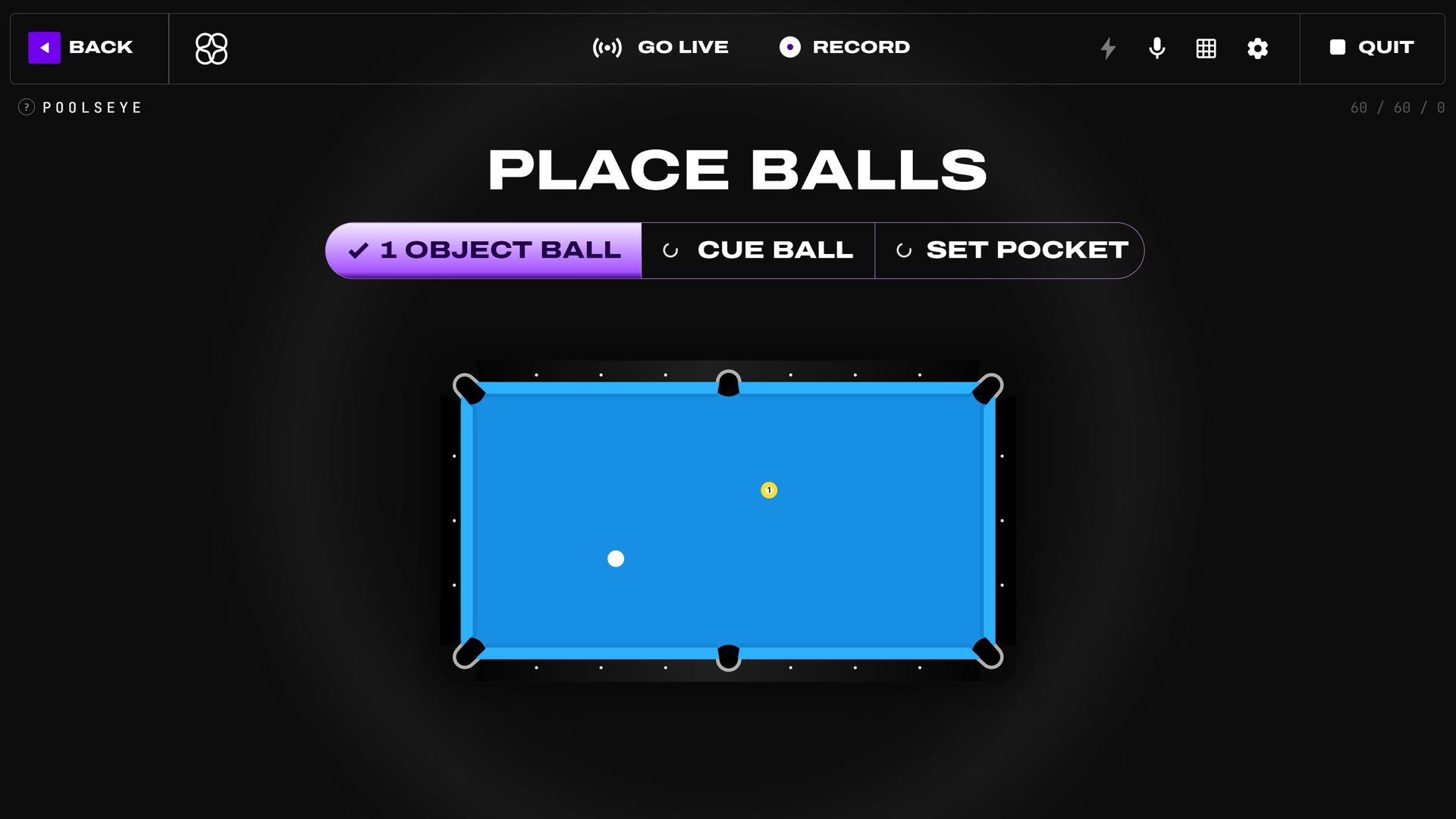 Placement: object ball set, cue ball and called pocket still pending.
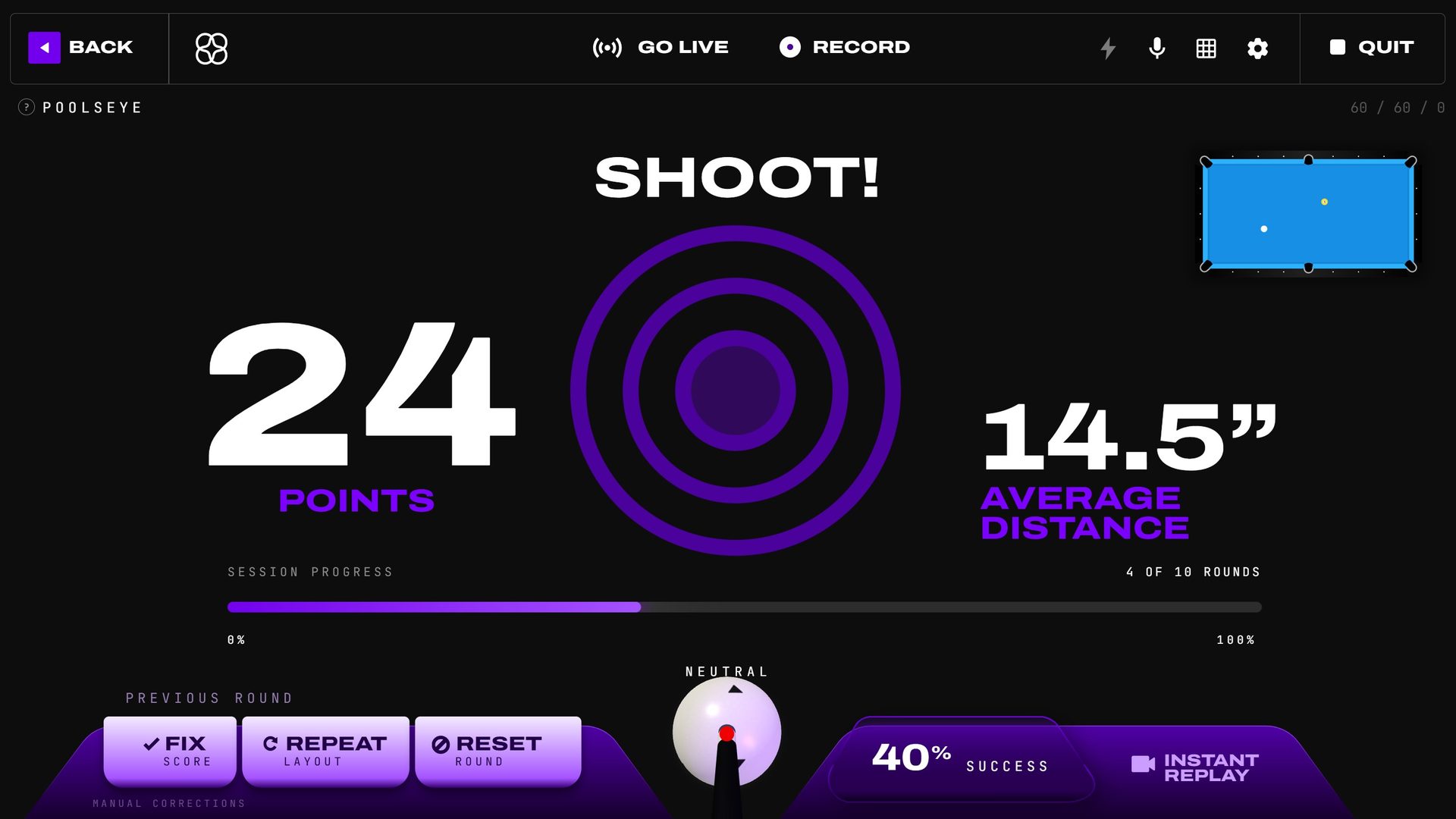 Armed: the bullseye is live, session progress and average cue-ball distance track across rounds.
The bullseye stays projected for the entire armed shot in solo, local, and internet play. Poolseye does not expose the projection-hide control: even if you've hidden table graphics elsewhere, the bullseye stays up, and your hidden setting applies again when you leave Poolseye. Its grid menu does have Show on the table for what can draw here: the shot line, pocket target and ghost ball of a path you ask for, and a local game's GO!. An internet match's GO! always shows.
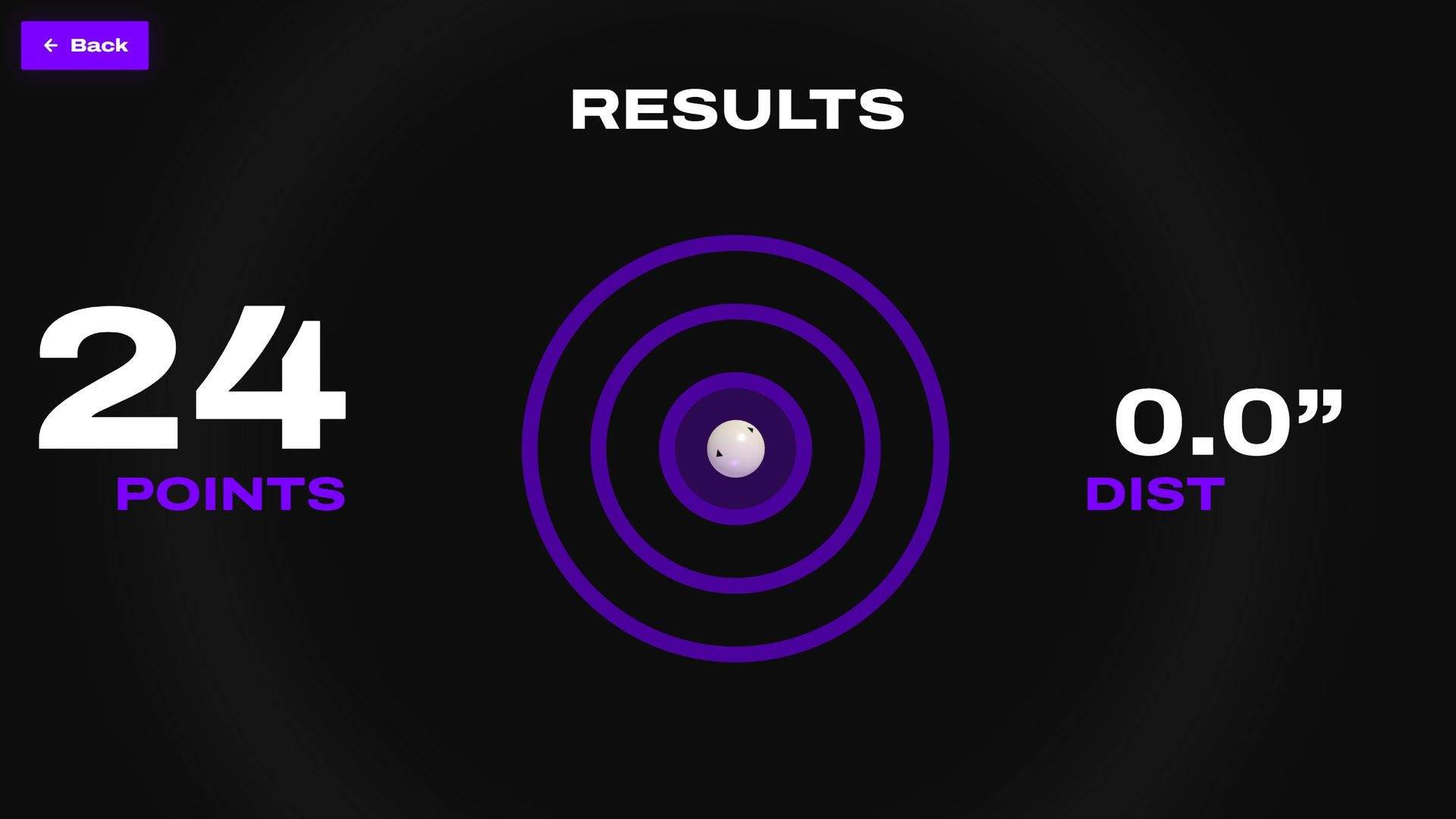 Results: every round's landing spot plotted at real table scale.
Game configuration
The Poolseye page pairs the how-to-play summary and the Single / Local Multi / Internet toggle with a live bullseye preview:
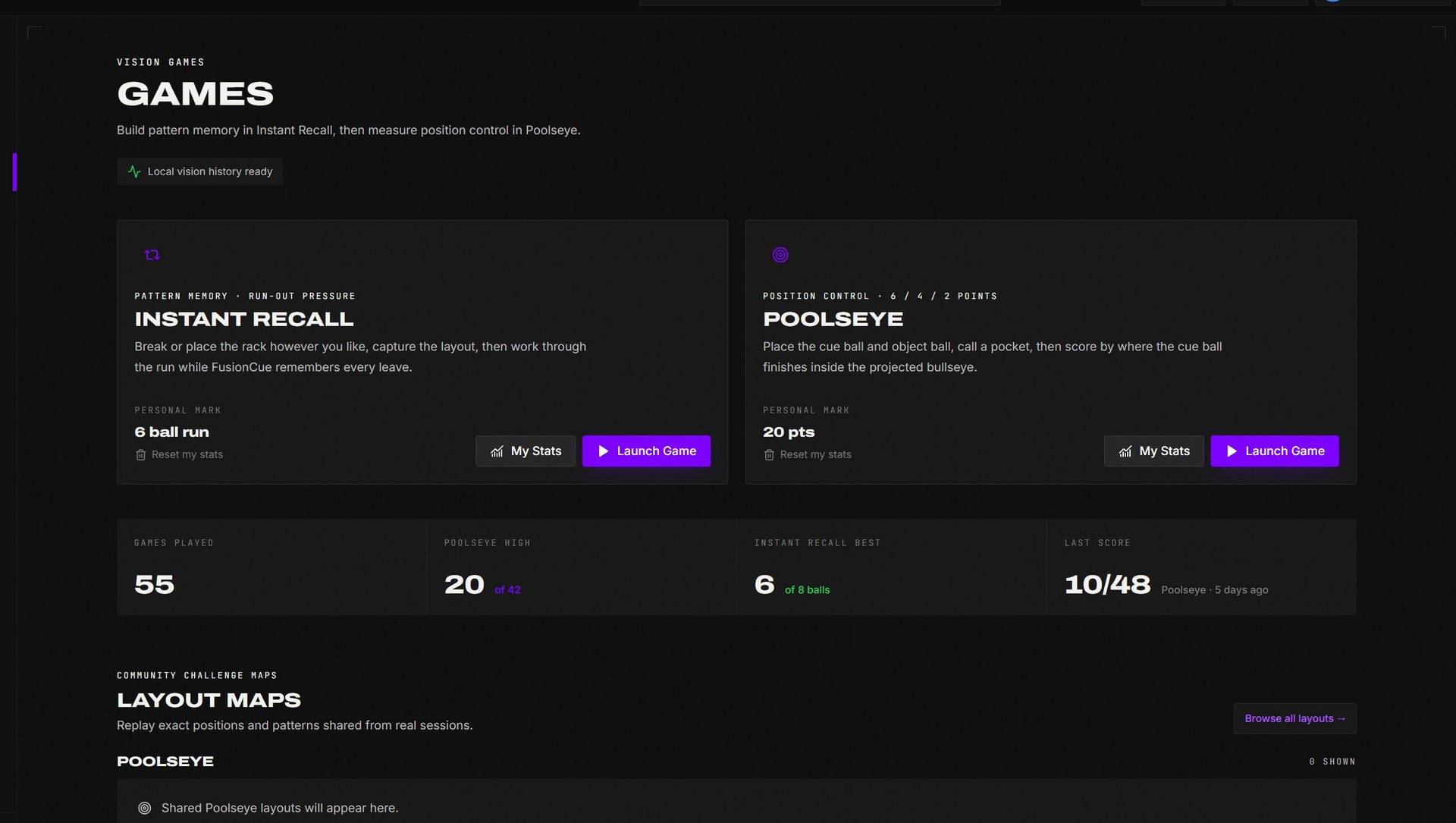 The Poolseye card keeps the current best, play-mode choices, and launch action together.
- Players — Single, Multi (2–6 local), or Internet (1v1) — chosen right on the page, next to PLAY.
- Target size — the slider under the table preview, from Smaller · harder to Larger · easier; the app labels your choice from Expert down to Beginner. The smallest target is three cue-ball widths across; the largest fills the table.
Pressing PLAY opens the settings dialog for the rest (each with a ? explainer). Hover Play a Game in the app header and pick Poolseye to land on this page with the dialog already open:
- Rounds — 1 to 30 (default 7).
- Shot clock — Off / 15 / 30 / 45 / 60 seconds (default 15).
- Bullseye behavior — Random each round (a new target every round) or Keep until hit (repeat the target until the cue ball lands in it).
- Scoring — three switches, all on by default: Point for making the ball, Point for passing through the zone, and Zone points (4 / 6 / 10 for making it and settling in the zone — the bullseye pays extra). Turn any off; the point values themselves are fixed. Your choice is remembered for next time. Online, the host sets the scoring when opening the table and everyone scores the same way; scheduled tables play the defaults.
- Cue ball area — Exact spot (default) or 1 to 8 ball widths. Every turn after the first placement puts the balls back on the layout's marks; with an area, the table projects a circle round the cue ball's mark and you set the cue ball anywhere inside it. The object ball always goes on its mark. Remembered like scoring. Online, the host's area applies to everyone (an older app has to update first); scheduled and tournament tables play the exact spot.
Fixing things mid-game
Under the PREVIOUS ROUND caption in the dock:
- FIX SCORE — reopen the last round and set it to Bullseye (10), Mid ring (6), Outer ring (4), Through the zone (2), Made (1), or Miss (0). The menu follows the scoring switches. Totals recompute instantly.
- REPEAT LAYOUT — shoot the previous round's exact layout again next round (the button pulses while queued).
- RESET ROUND — restart the current round's placement from scratch.
If the table doesn't auto-detect your placement (unusual felt, odd lighting), the phone or tablet remote has a "Balls are set — start round" override, plus mirrored Fix score / Reset round controls — handy when you're standing at the table.
Instant Replay and the english picker live in the right dock, same as drills.
Fix score, repeat layout, reset, cue-ball controls, and Instant Replay remain available around the armed target.
Local multiplayer
2 to 6 players (license feature). The setter rotates every round: one player places the balls and calls the pocket, then everyone shoots that same captured layout in turn order (revealed with a randomized order animation at the start). Same bullseye, same layout, pure position battle. The end card ranks total points.
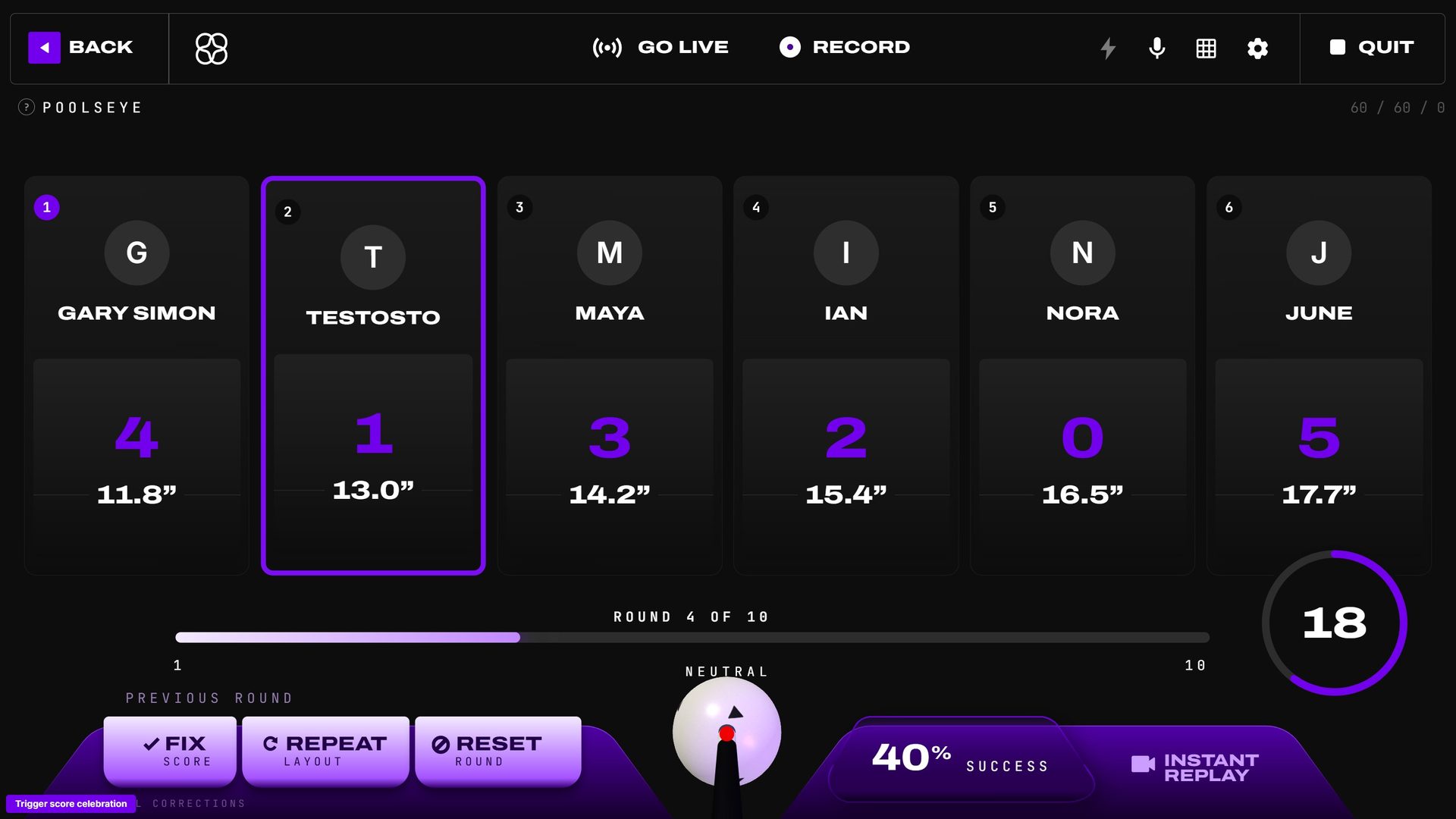 Multiplayer Poolseye: shared layout, per-player scores.
Internet multiplayer
Poolseye is fully playable online, 1v1: invite an online player, and you each shoot the rounds on your own table with live camera + voice of your opponent. The host picks the target size and the scoring switches when opening the table, and every player follows them (the behavior picker locks). Score corrections sync to both sides, and a dedicated resolve dialog handles any disputed round. The match records automatically, and the end screen offers a rematch — or jumping straight into a drill without re-inviting.
GO! appears once your balls are set and the table has had a clear look at them; shot detection starts only after it fades. If the table thinks a shot fired when you didn't take one, press RESTART SHOT (on the right, above CAST TABLE, on your turn) to set the same round up again. A shot that's really rolling is always scored, so it can't be taken back.
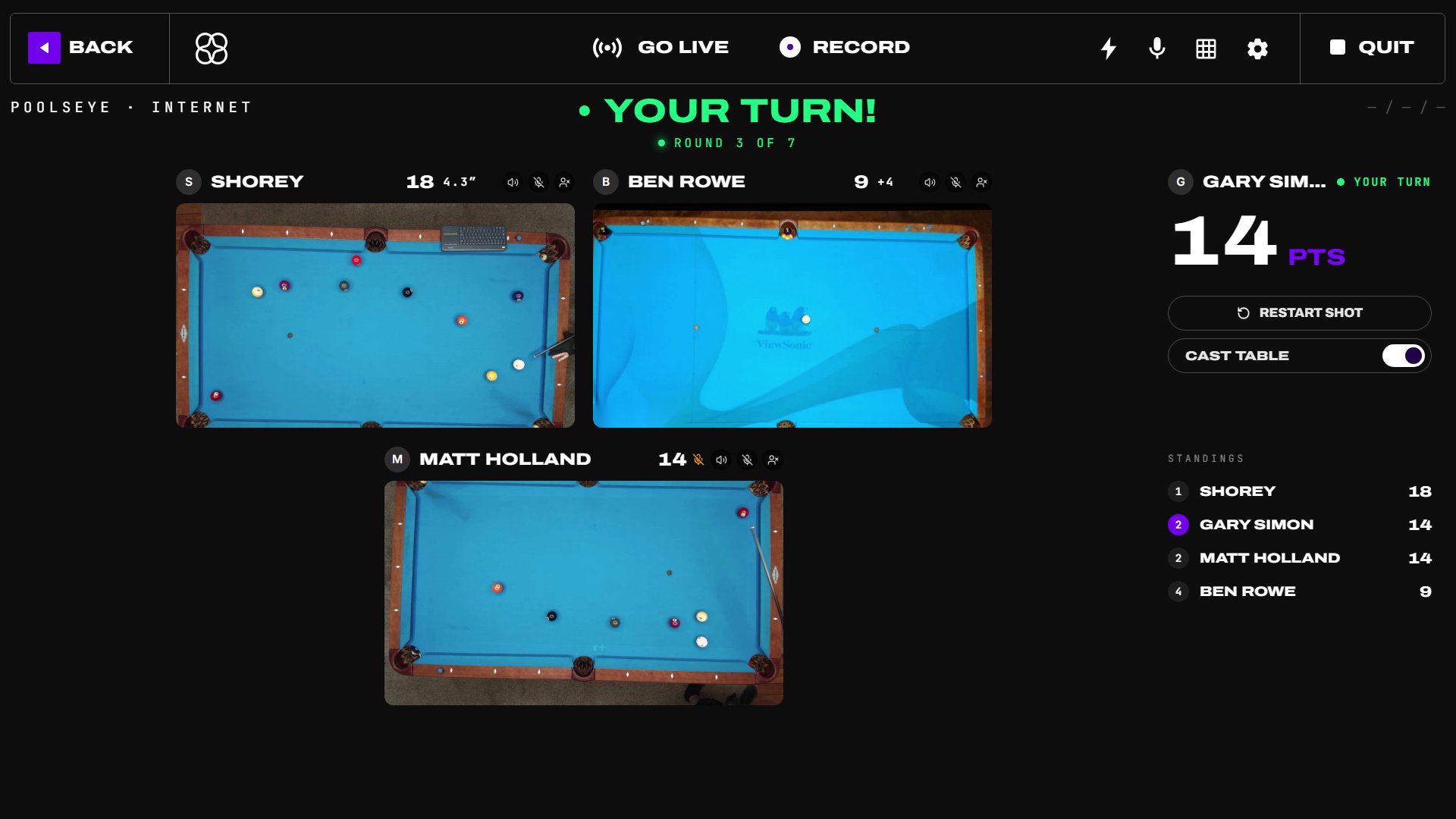 Online Poolseye uses the same screen as every online game: the other players' tables, the shooter's outlined, and your score and actions on the right.